
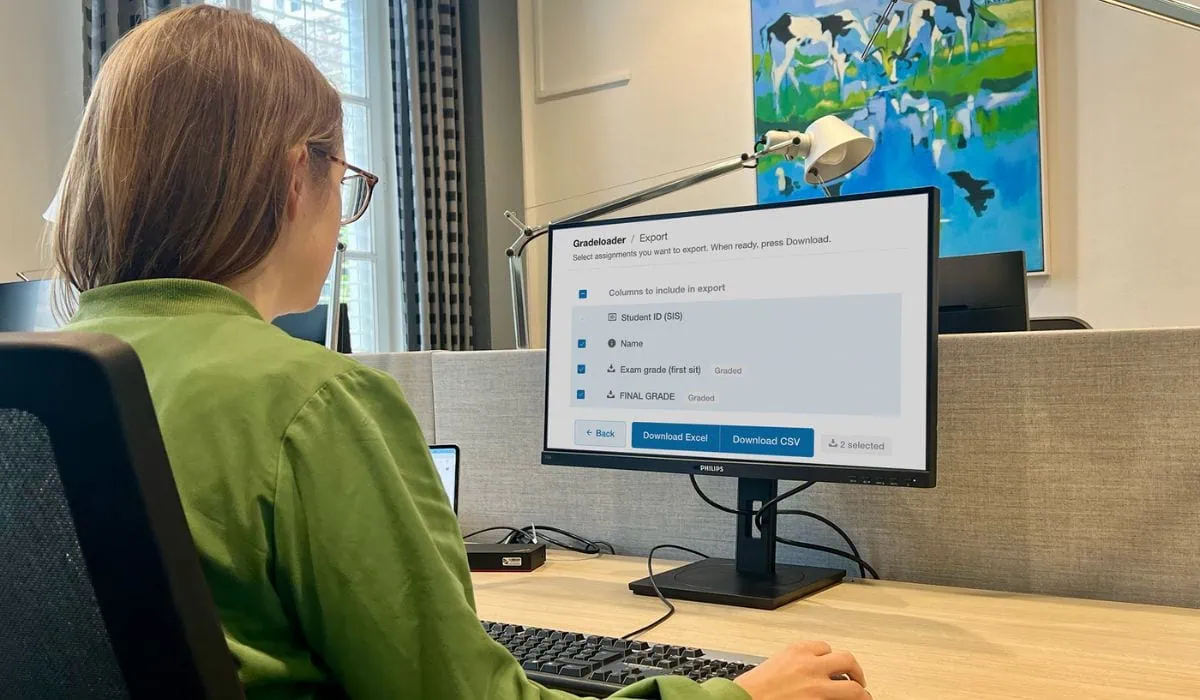
Gradeloader
With Gradeloader, you can import and export grades in Canvas more easily. By using this tool, you will get a cleaned-up grades overview with only relevant columns and headers. This also makes it easier to merge grades with the SAP appraisal.
You can access Gradeloader via the Canvas Gradebook. Find step-by-step instructions in the Canvas training course: How to use Gradeloader (accessible to UM staff).

Student names used are fictitious
Course2PDF
With Course2PDF, you can convert the content of your course into a PDF (that you can upload as a syllabus in your Canvas course). This tool replaces Syllabus Print.
You can find Course2PDF on your course homepage. Find step-by-step instructions in the Canvas training course: How to use Course2PDF (accessible to UM staff).

Support
You can reach out to your Canvas faculty support for questions about Gradeloader or Course2PDF.
0 Comments